
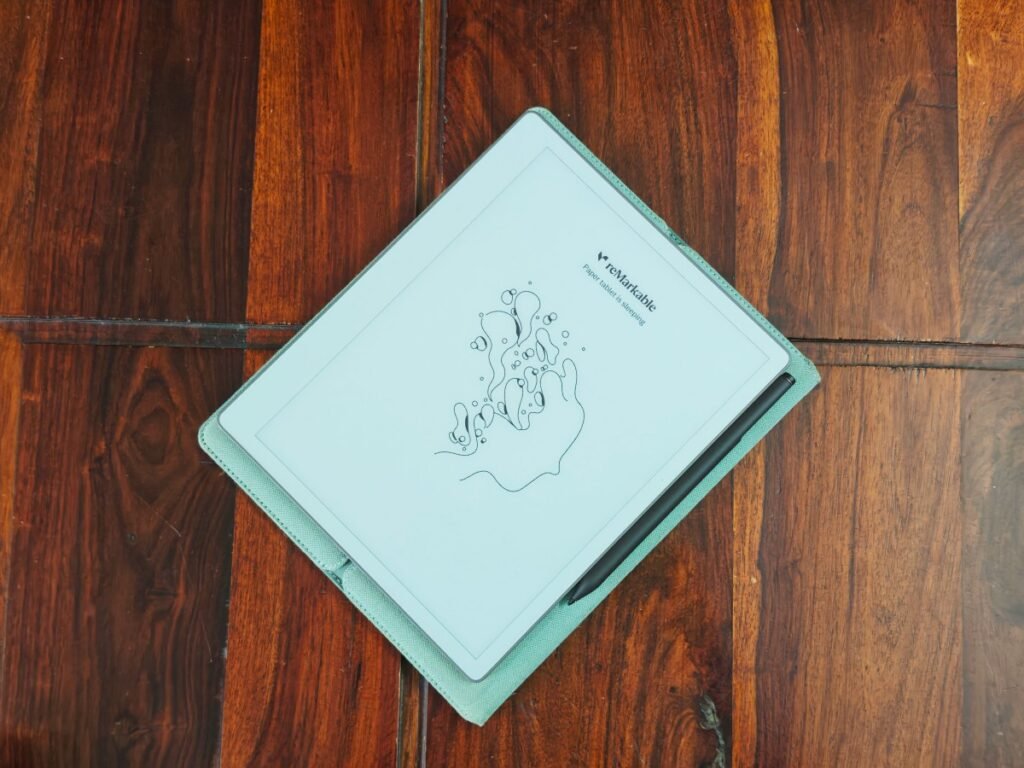


The reMarkable brand has spent years refining a singular vision: replacing the digital noise of screens with the tactile focus of pen and paper. Their latest offering, the reMarkable Paper Pure, doubles down on this ethos. By stripping away notifications, social media, and multitasking clutter, this $399 tablet targets writers, researchers, and designers who demand a distraction-free creative environment.
A Review Written on the Device Itself
To truly test its utility, I decided to bypass my usual array of apps and devices. This entire review was written directly on the Paper Pure, utilizing its built-in handwriting conversion feature, before being polished on WordPress. It is the successor to the six-year-old reMarkable 2, arriving shortly after the company launched the $499 color-screen Paper Pro and the more portable Paper Pro Move.
Hardware Refinements and Display
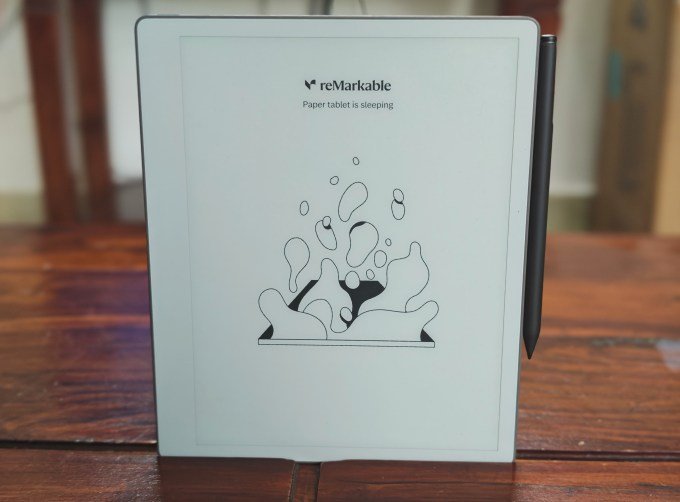
The Paper Pure embraces a back-to-basics monochrome approach. While it retains the 10.3-inch screen size of its predecessor, the resolution has been reconfigured to be wider and shorter. This physical shift allows more text to fit on a single horizontal line, significantly improving the crispness of the writing experience compared to the reMarkable 2.
Productivity and Software Integration
Beyond hardware, reMarkable has overhauled its software to bridge the gap between the tablet and the outside world. Key updates include improved handwriting search and calendar synchronization. Users can now link their calendars to the device, allowing them to access meeting details and immediately begin taking notes within a specific meeting block.
Once notes are complete, a single tap converts handwriting into text, which can then be shared via email or accessed through the new web app. This workflow is particularly useful for reviewing meeting transcripts and adding follow-up thoughts.
The reading experience has also seen a boost. You can send articles directly to the tablet as native notebooks, allowing for easy highlighting and annotation. Furthermore, the Paper Pure integrates seamlessly with Drive, Dropbox, and OneDrive, enabling users to import documents as editable notebooks.
Limitations and The Verdict
Despite these improvements, the Paper Pure is not without flaws. PDF handling remains sub-optimal, with some documents suffering from cropped edges. Additionally, while ePUB support is present, it does not match the reading experience of a dedicated e-reader like the Kindle.
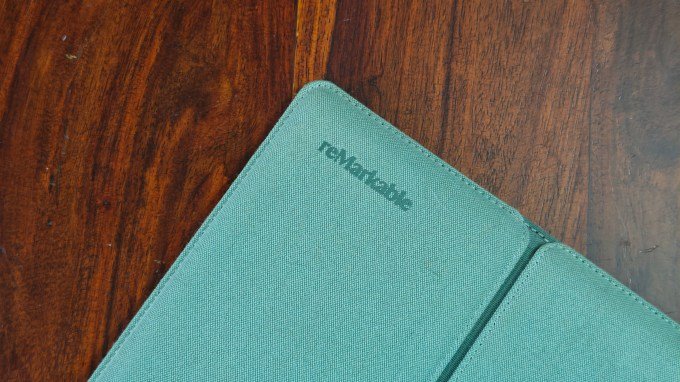
Ultimately, the device excels at its primary mission: providing a specialized space for note-taking and deep work. While $399 is a significant investment for a non-multipurpose device, the ability to escape the endless cycle of open browser tabs and digital distractions is a compelling value proposition. For those struggling to maintain focus on a MacBook, the reMarkable Paper Pure offers a genuine, tactile alternative that makes rough drafts and brainstorming feel intentional again. The base $399 model includes a stylus, while a $449 bundle adds a Marker Plus with an eraser function and a protective sleeve folio.



Leave a Reply